Your bookmarks,
dealt into place.
Drop in years of bookmarks from any browser. Duplicates go, every link gets a folder, related links get stacked together, dead ones get flagged. When it isn't sure how things relate, it asks you instead of guessing.
- Chrome, Safari, Edge, Firefox and more
- Nothing changes until you import the result
- Delete everything with one click
Sign in to start
Your progress is saved to your account so you can continue later.
By signing in you agree to the terms and the privacy policy.

How it works
Four phases, driven from your browser: it plans your top-level folders, learns which sites belong where, sorts the rest in batches, then groups related links inside each folder.
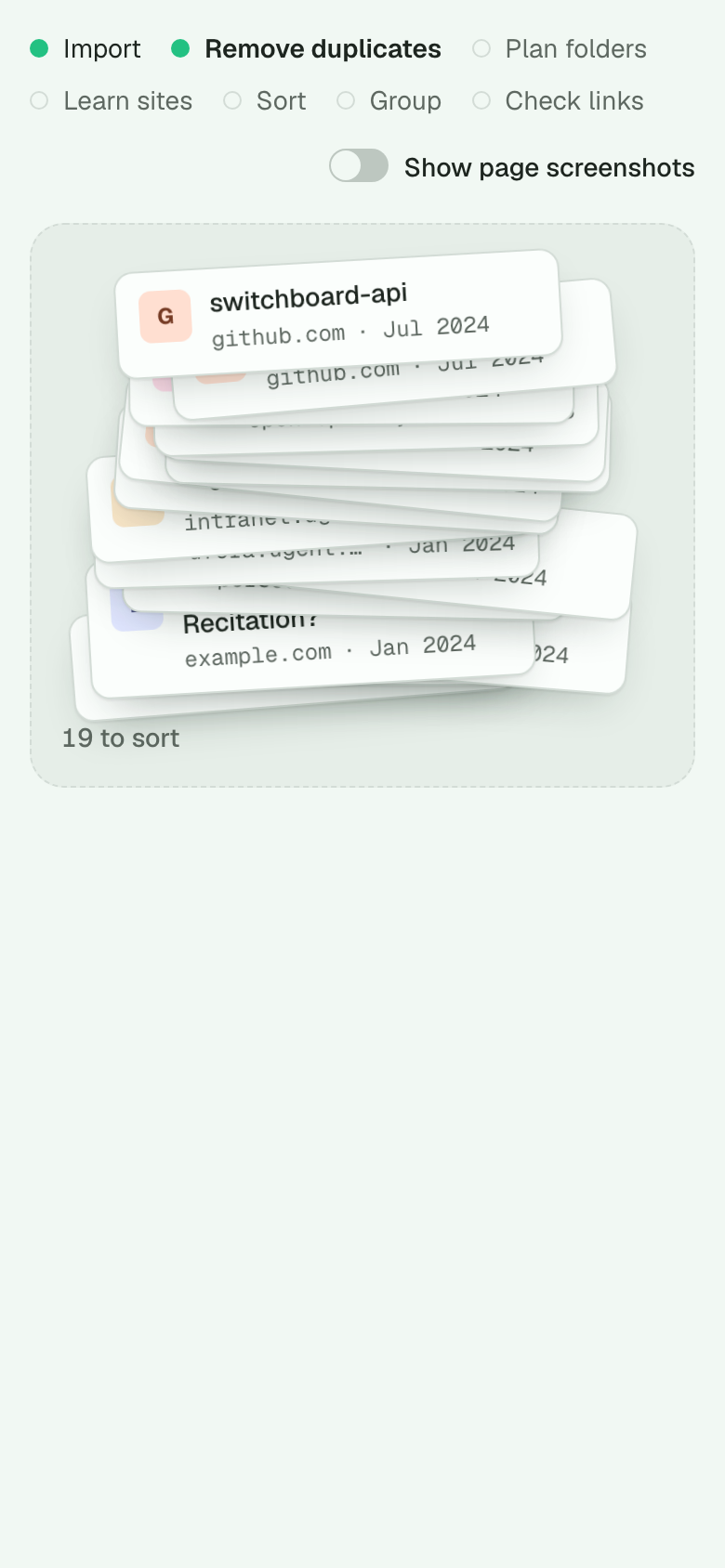
1Drop your files
Chrome's Bookmarks file, Safari's plist, or any browser's HTML export. Duplicates go first, before anything else.
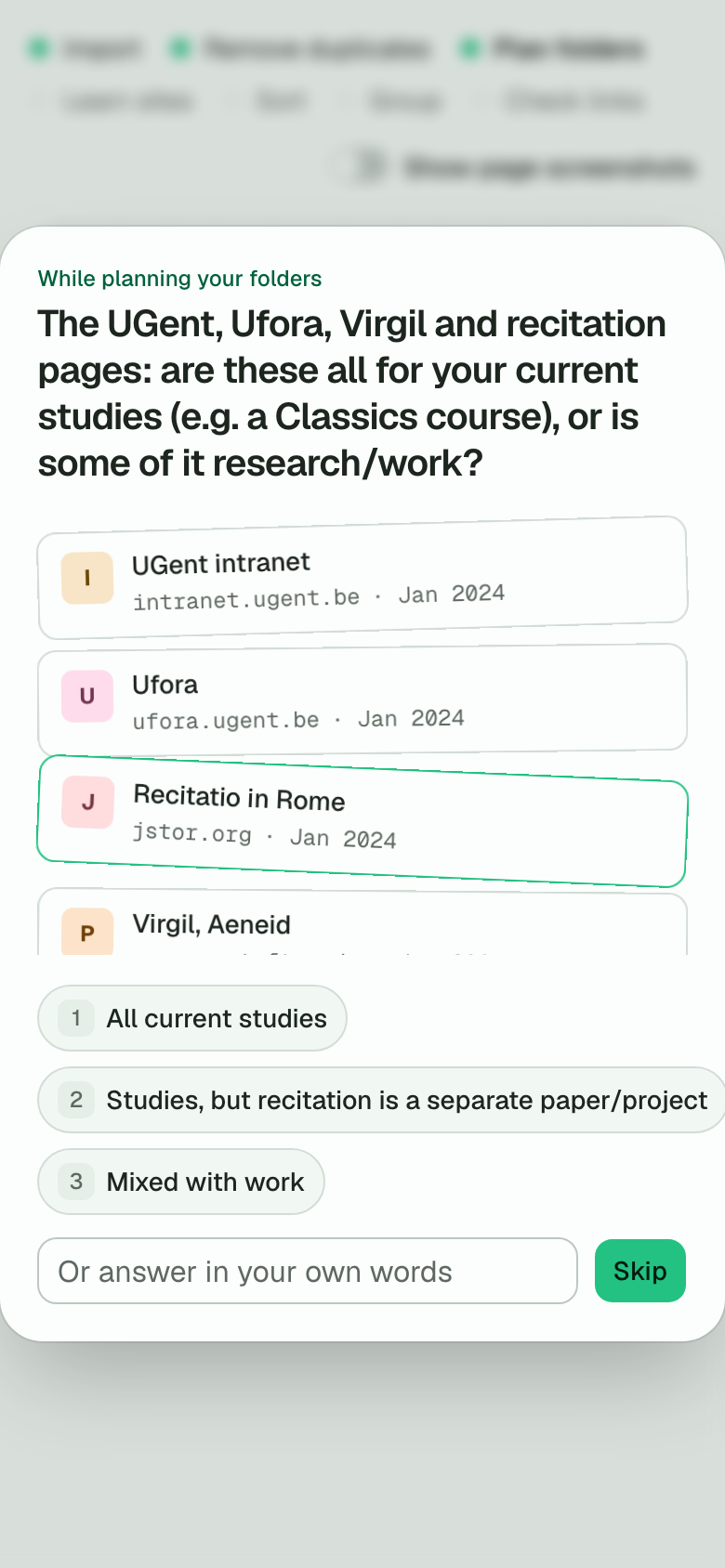
2It asks when it isn't sure
Work or studies? Same project or not? A few multiple-choice questions, only where the answer moves several bookmarks.
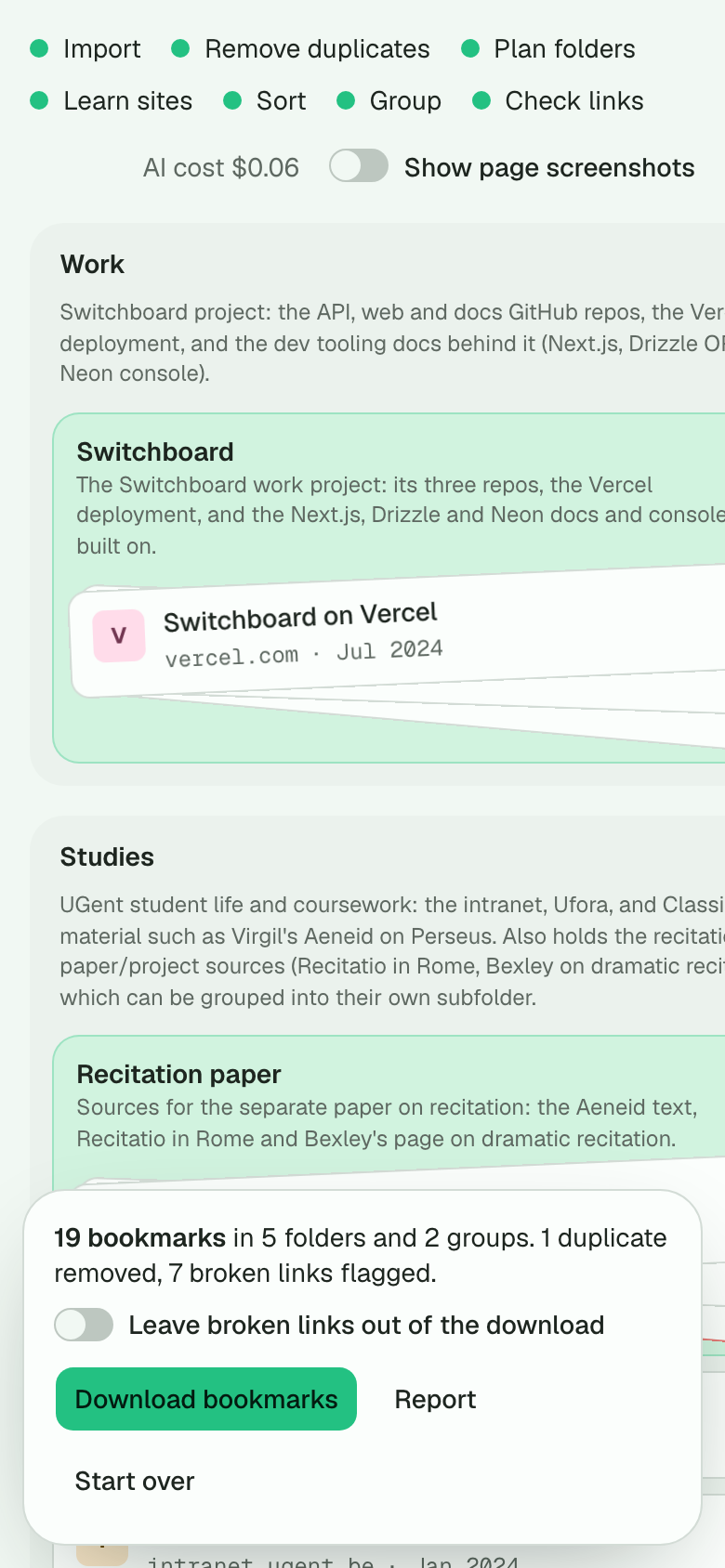
3Everything finds a place
Cards fly into folders, then into stacks of related links. Dead links get a red dot.
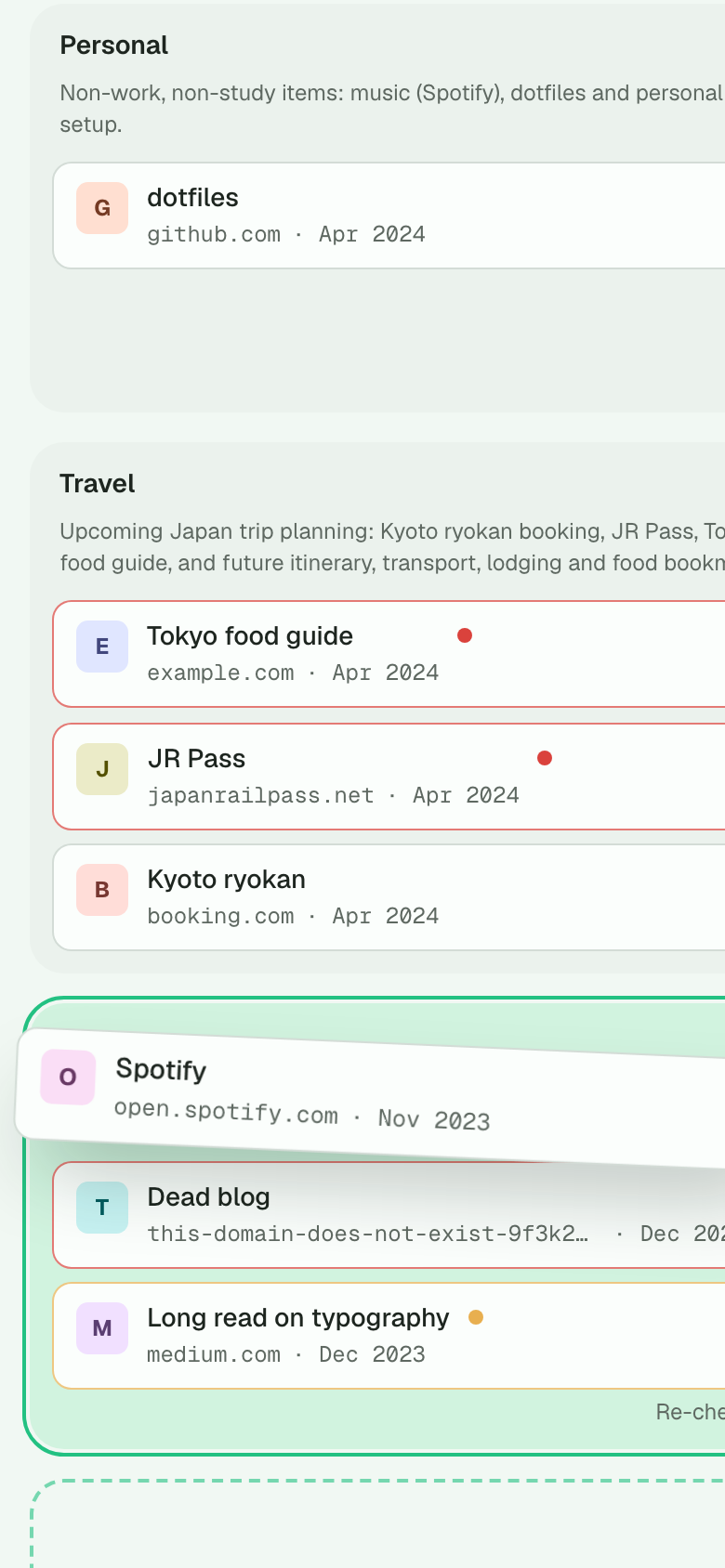
4Fix anything by hand
Drag a card anywhere, even while it's still sorting. Then download one file and import it into your browser.


Works with every browser
It reads Chrome's and Safari's own files and the HTML export every browser can make, and gives you back one HTML file every browser can import.
- Chrome
- its Bookmarks file, or Bookmark manager › Export
- Safari
- File › Export › Bookmarks
- Edge, Brave, Arc, Vivaldi
- export bookmarks to HTML
- Firefox
- Manage bookmarks › Export bookmarks to HTML
Your bookmarks stay yours
Only titles and URLs reach the AI model, with a random id instead of your name. Your list is stored privately under your account while you work, and one button on the account page deletes the account, the list and everything else at once.
Questions
Ready when you are
Bookmarks is open source and run by one person. Sign in above to start, or write to pieter@pieterdepauw.com if you'd like an account.